3PL 4PL operations automation
3PL 4PL Operations Automation That Scales Without Headcount
AI automation for 3PL and 4PL logistics providers — multi-client workflow orchestration, SLA monitoring, and intelligent reporting.
3PL automation software and AI systems that let third-party logistics automation providers manage more clients, hit SLAs consistently, and scale operations — without proportionally scaling your team.
Built For
Who Needs 3PL/4PL Operations Automation
- 3PL and 4PL providers managing 10+ clients with different workflows, SLAs, and reporting requirements
- Logistics service providers whose client growth is constrained by operations team capacity, not sales pipeline
- Companies where ops managers spend more time on client reporting and SLA tracking than on operational improvement
- Providers losing margin on client accounts because operational overhead scales linearly with each new client
Before FreightMynd
Every new client doubles your complexity but your team size stays the same
The 3PL/4PL business model has a scaling problem: each new client brings their own document formats, SLA definitions, exception handling procedures, reporting templates, communication preferences, and system integration requirements. Your ops team has to context-switch between client-specific workflows all day, remember which rules apply to which client, manually track SLAs in spreadsheets, and produce client-specific reports that each look different. As you add clients, operational complexity grows exponentially while your team grows linearly (if you can hire at all — experienced logistics ops staff are scarce). The result: SLA breaches creep up, experienced staff burn out, onboarding new clients takes months instead of weeks, and your margins shrink as operational overhead eats into the management fee.
Ops team spending 40% of their time on client-specific reporting rather than managing operations — many clients require weekly or even daily reports in different formats
SLA tracking done in spreadsheets, often updated after the fact — you discover SLA breaches after they have already impacted the client relationship
New client onboarding takes 6–12 weeks because every workflow must be manually configured, documented, and trained
Context-switching between client workflows causes errors — an operator applies Client A's exception rules to Client B's shipment because they are handling both simultaneously
No cross-client operational intelligence — you cannot easily answer "what is our overall on-time performance this month?" or "which carrier is underperforming across clients?" without manual data compilation
Client-specific integrations (connecting to their ERP, TMS, or reporting systems) are bespoke engineering projects that delay go-live and consume development resources
Experienced staff who understand multiple client workflows become single points of failure — their absence (vacation, sick leave, resignation) causes immediate operational disruption
What We Build
3PL/4PL Operations AI Capabilities
Multi-client workflow orchestration
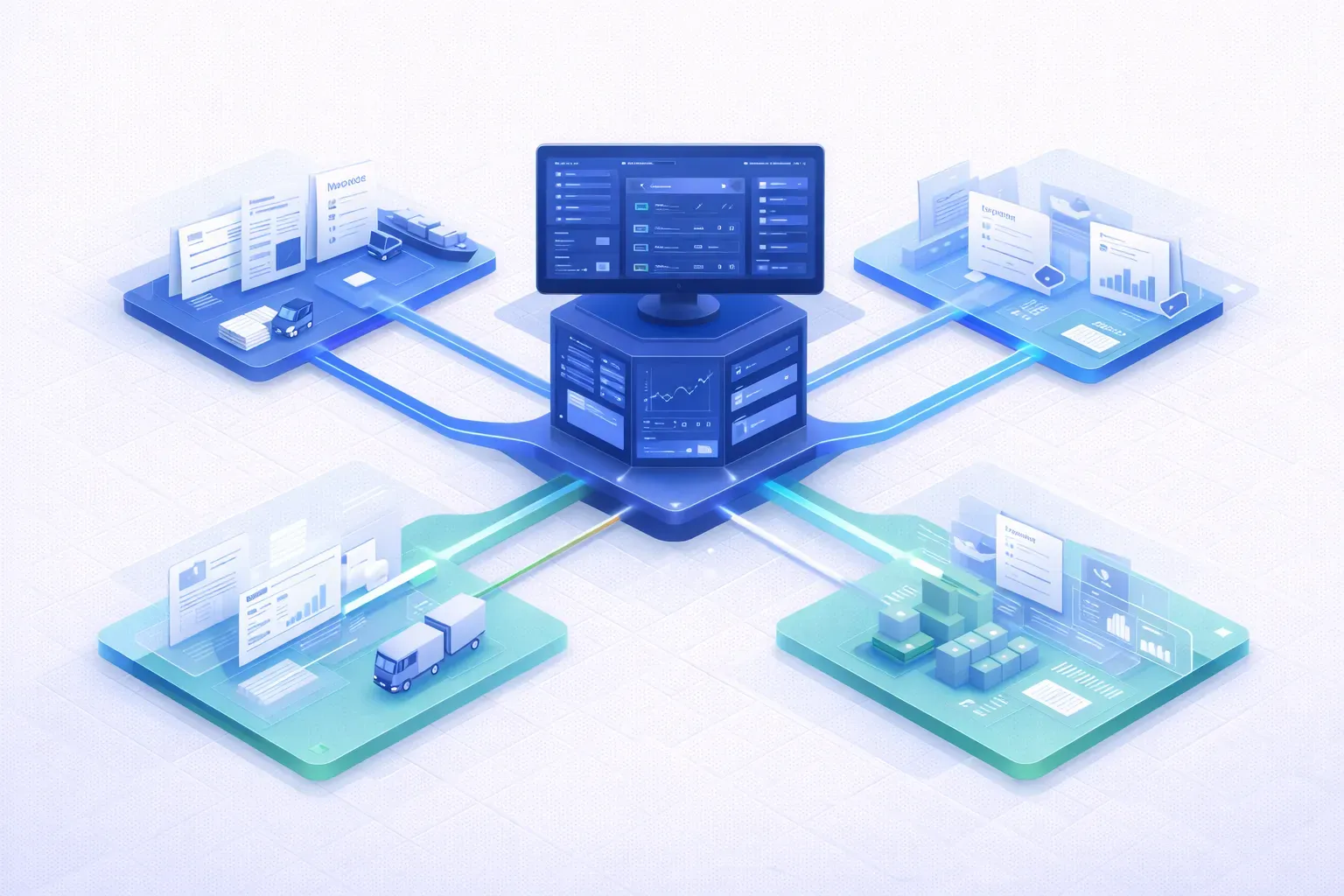
A single automation platform that runs different workflows for different clients simultaneously, each with their own document processing rules, validation logic, exception handling procedures, and communication templates. Operators see a unified interface but the system applies client-specific rules automatically — eliminating the context-switching errors that plague multi-client operations.
Automated SLA monitoring and alerting
Real-time SLA tracking against each client's specific KPIs: documentation turnaround time, shipment milestone adherence, exception response time, reporting delivery deadlines, and custom KPIs defined per contract. The system tracks SLA status continuously (not daily or weekly snapshots), triggers alerts when SLAs are at risk (not just when they are breached), and generates SLA compliance reports automatically in each client's required format.
Cross-client exception management
A unified exception management system that handles exceptions from all clients through a single interface, while applying client-specific escalation rules, response time targets, and resolution procedures. Operators can see their full exception queue prioritized by urgency and SLA impact across all clients, rather than switching between client-specific dashboards.
Automated client reporting in client-specific formats
Generates and distributes client reports automatically in each client's preferred format, frequency, and level of detail. Some clients want daily Excel reports by email; others want weekly PowerPoint decks; others want real-time dashboard access. The system handles all of these from the same underlying data, eliminating the 4–8 hours per week per client that ops managers typically spend on manual report preparation.
Client-specific rule engine configuration
A configuration layer that allows ops managers to define and modify client-specific rules without engineering involvement: document processing rules (which fields to extract, validation thresholds), exception categories and escalation paths, SLA definitions and thresholds, reporting templates and distribution lists, and communication templates. Changes take effect immediately — no deployment cycle, no developer dependency.
Scalable document processing per client
Each client's documents are processed through the same AI extraction engine but with client-specific extraction templates, validation rules, and output formats. When a client's document formats change (new supplier, new carrier, updated template), the system adapts without affecting other clients. Processing capacity scales automatically during volume spikes for any individual client without impacting performance for others.
In Practice
3PL/4PL Operations Use Cases in Production
Onboarding a new client in 2 weeks instead of 2 months
A new 4PL client is won with a 5-week implementation deadline (typical for contract changeovers). Using the template-based onboarding system, the ops team configures the client's workflows, document rules, SLA definitions, and reporting templates through the configuration interface — no engineering required. Document processing is trained on the client's actual document samples using the self-learning extraction engine. The entire onboarding is completed in 2 weeks, leaving 3 weeks for parallel run and validation.
SLA save through proactive alerting
Client X has a 4-hour SLA on documentation turnaround. A batch of 15 shipment documents arrives at 2 PM. The system processes 13 of them automatically but flags 2 with low-confidence extractions requiring human review. Instead of the operator discovering these in the queue at 5:30 PM (after the SLA has breached), the system sends an immediate alert at 2:05 PM: "2 documents for Client X require review — SLA deadline 6 PM." The operator reviews and confirms in 10 minutes. SLA met.
Cross-client carrier performance analysis
The commercial team wants to renegotiate rates with Carrier Y. The system generates a cross-client performance report in minutes: on-time rates, documentation accuracy, claims frequency, and volume data aggregated across all clients using Carrier Y. The negotiation is data-backed rather than anecdote-based, and the data is current (not a manual compilation that is 3 months out of date by the time it is finished).
Implementation
How We Deploy 3PL/4PL Operations AI
Timeline: 10–16 weeks for platform deployment with first client live
Weeks 1–3: Platform architecture — multi-tenant design, data isolation model, configuration framework, integration architecture
Weeks 4–7: Core platform build — workflow engine, document processing pipeline, SLA monitoring, exception management, reporting framework
Weeks 8–10: First client configuration — migrate one existing client's workflows to the platform, parallel run, validation
Weeks 11–14: Ops team training, second client onboarding, iterative refinement based on operational feedback
Weeks 15–16: Production stabilization, documentation, handoff, subsequent client onboarding plan
Results
Measurable Impact
40%
More clients per ops person
99.2%
SLA compliance rate
55%
Reduction in ops overhead per client
3x
Faster client onboarding
| Metric | Result | Context | Business Outcome |
|---|---|---|---|
| More clients per ops person | 40% | Automation of routine touchpoints and reporting frees ops capacity that was previously consumed by manual work | — |
| SLA compliance rate | 99.2% | Proactive monitoring and alerting prevents breaches that previously went undetected until after the fact | — |
| Reduction in ops overhead per client | 55% | Automated reporting, document processing, and SLA tracking reduce the marginal operational cost of each client | — |
| Faster client onboarding | 3x | Template-based configuration and self-learning document processing reduce onboarding from 6–12 weeks to 2–4 weeks | — |
Automation of routine touchpoints and reporting frees ops capacity that was previously consumed by manual work
Proactive monitoring and alerting prevents breaches that previously went undetected until after the fact
Automated reporting, document processing, and SLA tracking reduce the marginal operational cost of each client
Template-based configuration and self-learning document processing reduce onboarding from 6–12 weeks to 2–4 weeks
Proof in Production
AI-Powered 4PL Control Tower Automation
How Hellmann Worldwide Logistics automated their 4PL control tower operations with AI — achieving 60% processing time reduction, 50% AI cost reduction, and zero manual TMS entry.
AI Institutional Knowledge Capture from Operational Email
The "Optimization Mesh" — converts years of historical operational email into structured decision intelligence, capturing institutional knowledge and enabling data-driven operational optimization.
Works with your existing TMS
Direct integration with CargoWise, SAP TM, Oracle TMS, Microsoft Dynamics, and Descartes.
3PL/4PL Operations — Frequently Asked Questions
How does this differ from single-client automation?
Can each client have different workflows?
How does it handle data isolation between clients?
Can it help with new client onboarding?
What about client-specific integrations?
Related Freight AI Solutions
4PL Control Tower
Full document intelligence pipeline — email monitoring to CargoWise XML with zero manual entry. Built and live for Hellmann Worldwide Logistics.
Order to Cash
Full order-to-cash automation — from booking confirmation through cost accrual, invoice generation, revenue recognition, and payment reconciliation — closing your books in hours, not weeks.
Revenue Recovery
AI-powered freight audit and revenue recovery — automated carrier invoice validation, overcharge detection, contract rate enforcement, and dispute management. Stop the revenue leakage hiding in your freight invoices.
Email Intelligence
AI-powered email triage that classifies, routes, and auto-responds to freight operations emails — RFQs, booking confirmations, shipment updates, and exceptions — without human intervention.
Works With
Ready to Automate Your 3PL/4PL Operations?
Book a free audit. We'll show you exactly what we'd build for your operations.